
Analyzer connectivity & device inbox
Bring analyzer data into the same governed result workflow.
How it works in the real system
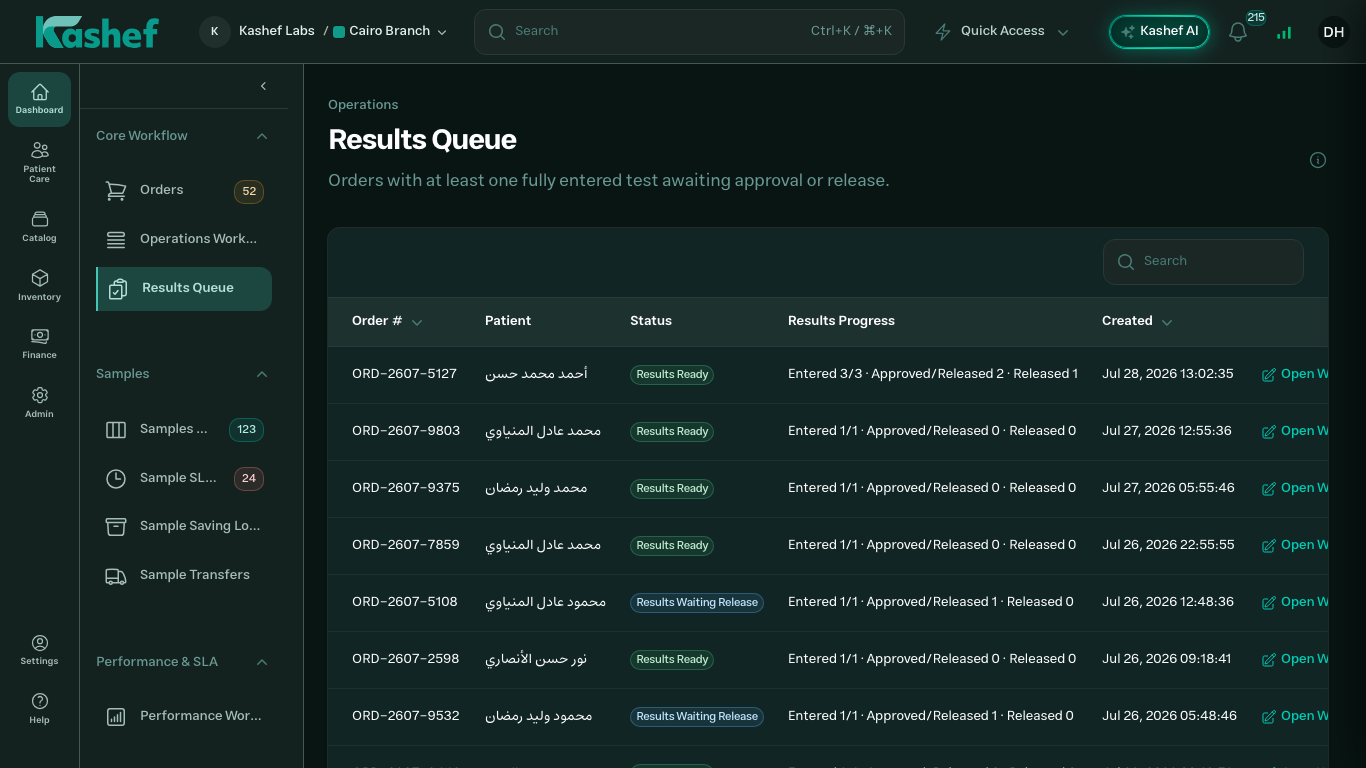
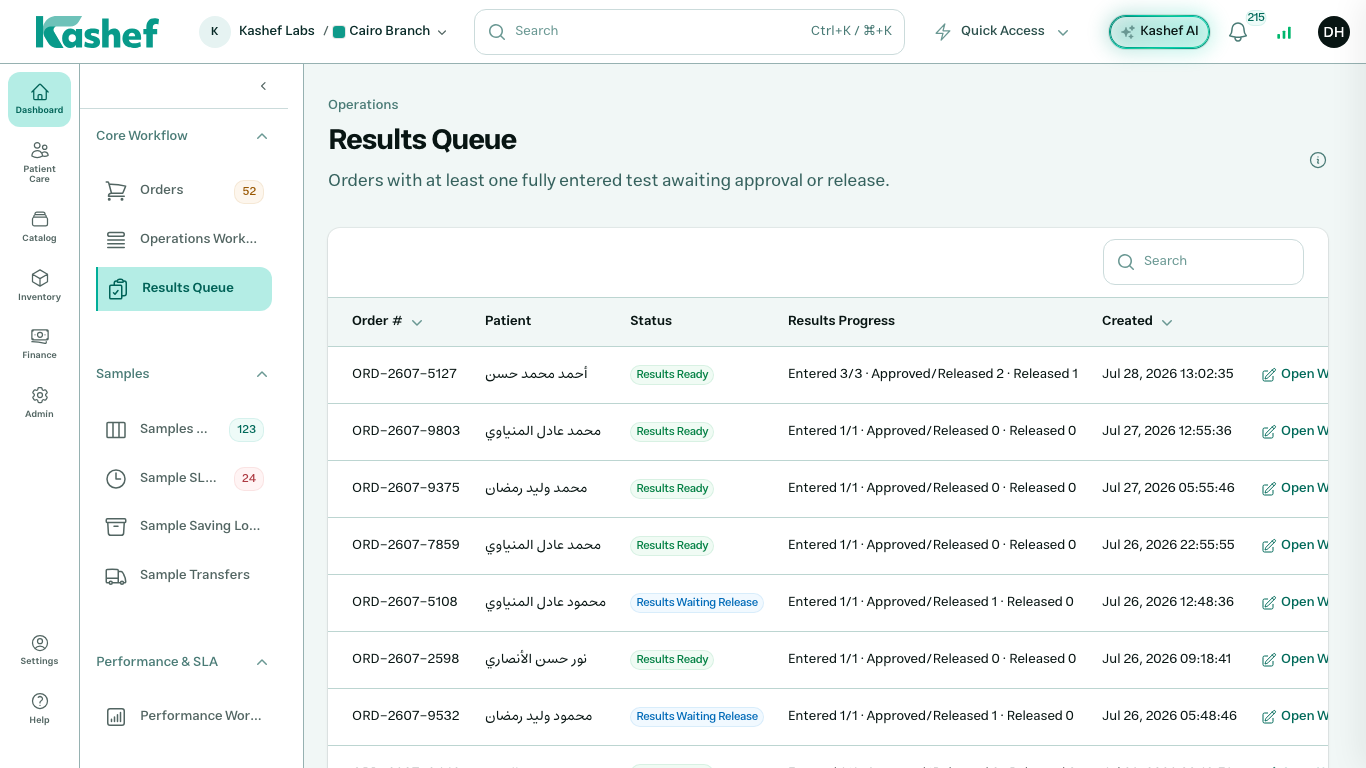
Kashef includes medical-device definitions, connection status, test and parameter mappings, an incoming device-results inbox, instrument health, and local runtime settings through Kashef Local.
Device definitions
Manage analyzer identity, model, connection direction, status, and branch or node context.
Code mappings
Map device test and parameter codes to the central Kashef catalog.
Device results inbox
Review incoming analyzer messages and resolve mapping or workflow exceptions before clinical release.
Local connectivity
Use Kashef Local for on-premise analyzer connectivity while cloud definitions remain controlled centrally.
Operational scope
Designed to keep context attached to the work.
Data path
Analyzer → inbox → result
Control
Cloud + local runtime
Explore the complete product map
See how this workflow connects to every other Kashef module.
Give every branch one operating system.
See how Kashef fits your workflow, instruments, branches, and deployment requirements.