
Kashef Help Center
Find the answer in the same language as the work.
Step-by-step guides for setup, daily branch operations, results, finance, inventory, portals, Kashef Local, and support—in English and Arabic.
kashef.cloud
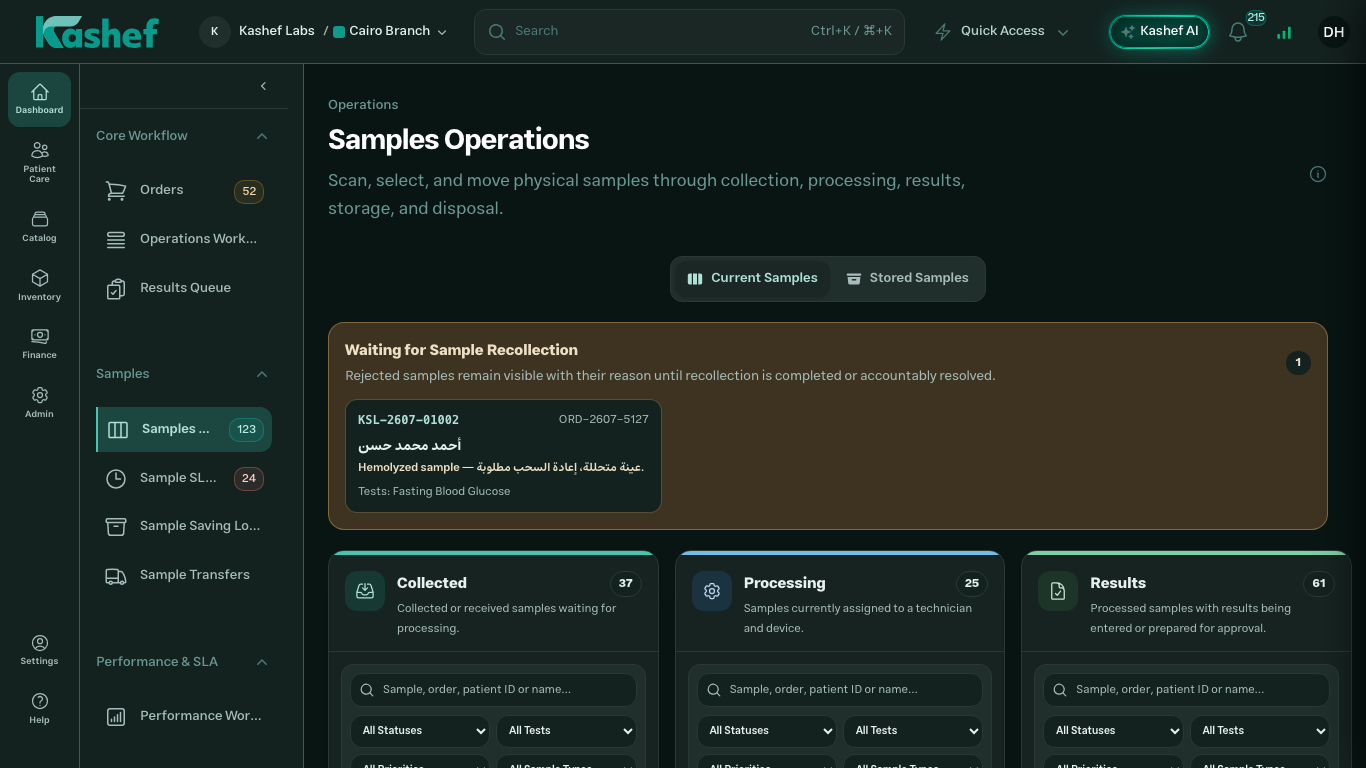
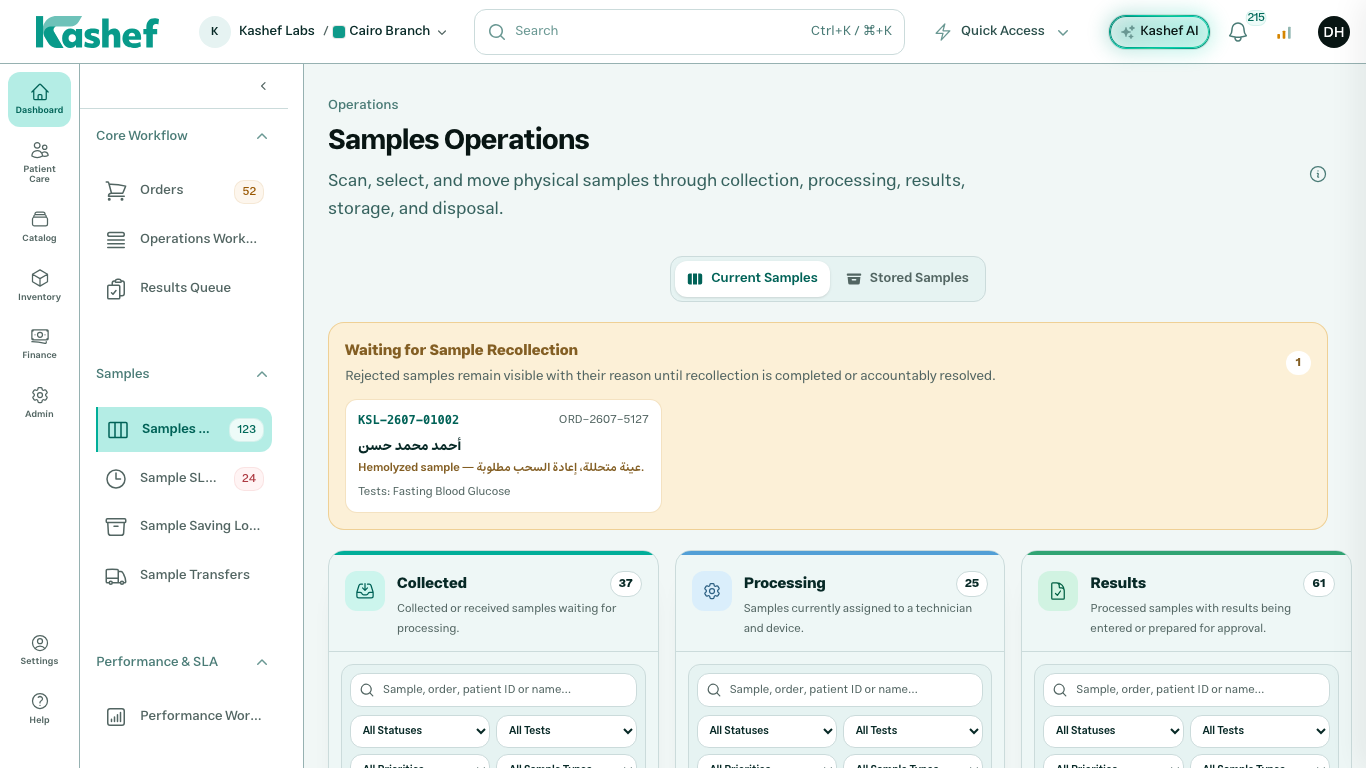
Daily Lab Panel areas
Choose a guide
Use the topic list to open a focused guide, or follow the setup path below.
Operations workbench
Jump into the parts your staff will use most often after setup.
TestsJump into the parts your staff will use most often after setup.
Cashier workbenchJump into the parts your staff will use most often after setup.
User managementJump into the parts your staff will use most often after setup.
Portal overviewJump into the parts your staff will use most often after setup.
Kashef Command CenterJump into the parts your staff will use most often after setup.
AI assistantJump into the parts your staff will use most often after setup.
Best path for a new lab
Step 1Create and verify the owner accountStart with the registration form, email verification, and secure login.Step 2Finish onboarding and branch setupAdd company details, your main branch, service area, currency, and staff invitations.Step 3Build the tests catalogCreate tests, sample types, categories, packages, reference ranges, and prices.Step 4Receive the first patient orderSelect the patient, choose tests, review pricing, collect payment, print barcodes, and move samples forward.